







FAQ
What is Solid State Drive (SSD)?
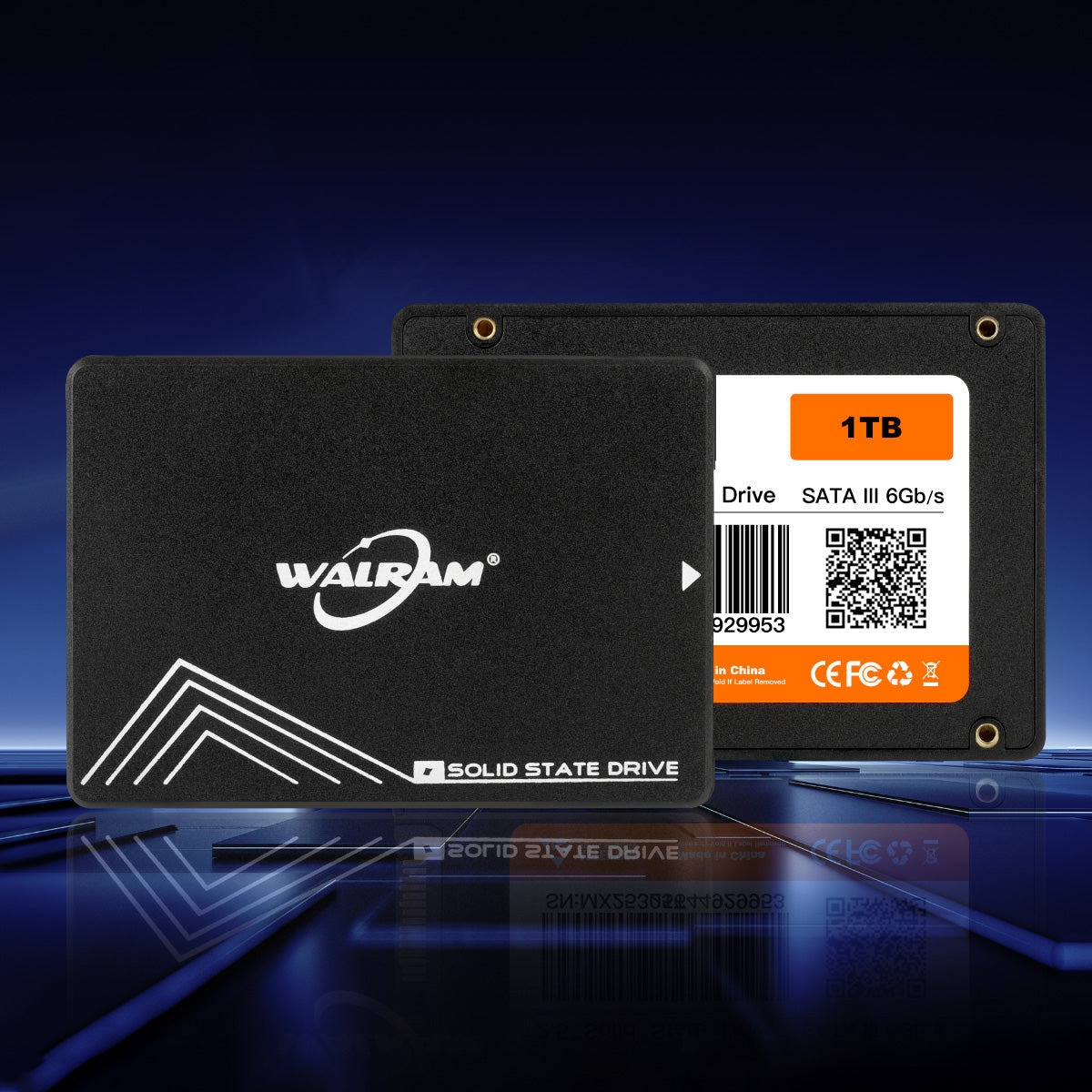
SSD, namely Solid State Drive, is a revolutionary storage device. It comprises NAND flash and other components, which are quite different from the traditional hard disk drive. Its advantages are obvious. It has extremely fast speed, which can make the system start and program loading completed in an instant. Moreover, it is quiet without any noise from the mechanical hard drive. It also has good shock resistance, which strongly guarantees data security. Because of this, SSD is widely used in various computer systems and has become a key component to improve system performance.
What is difference between with SSD & HDD?
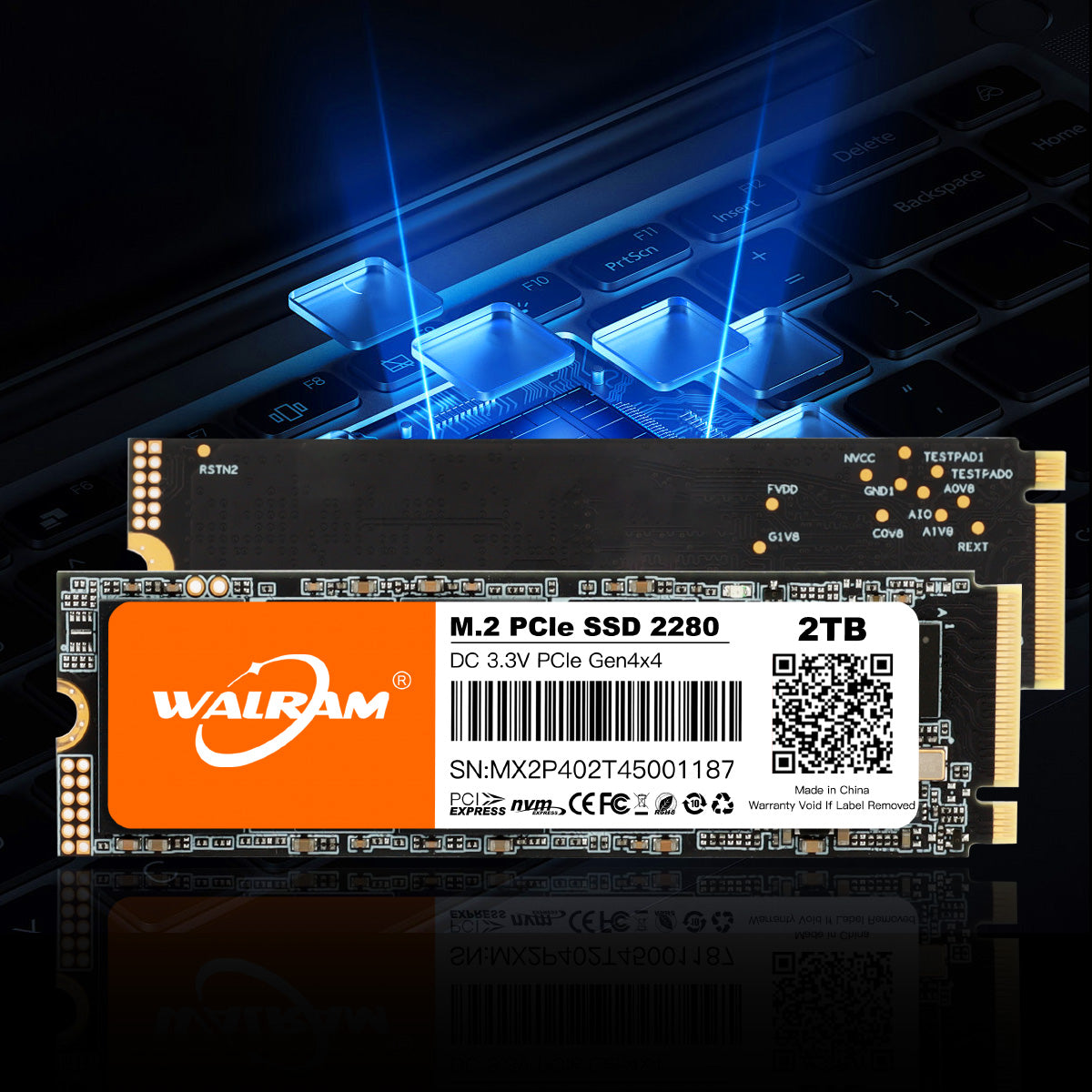
SSD (Solid State Drives) is made of NAND Flash, controller chip, DDR and other semiconductor materials, which are pasted on the PCB board through the patch process, no mechanical parts, high speed, low latency, low power consumption, quiet.
HDD (Hard Disk Drives) is based on magnetic spinning platters, a technology that has been in use since the mid- 1950s. The data is written to and read from these spinning platters or disks via moving heads. HDDs are mechanical devices with many moving parts and are more prone to mechanical failures and failures due to environmental conditions such as heat, cold, shock and vibration.
How do I know the exact capacity?(SSD)
The capacity is shown in "Megabyte" (same with Hard Disk Drive, 1MB = 1000KB). In Windows environment or DOS mode, 1MB equals to 1024 KB. Therefore 1GB is approximate 953MB.
The actual available memory on the device is less than what is listed on the package. This is due to small discrepancies in file format and algorithms used by various operating systems. In addition, a portion of memory space is reserved for system files and data sectors for better performance.
Can I transfer data or OS from an existing HDD to a new SSD?
Yes. Walram SSD drives in upgrade kits that include all the necessary items required to replace a notebook or desktop HDD with a Walram SSD, including software to easily transfer the OS and important data. Please note that SSD-only SKUs do not include the software. If you need to clone your HDD to a new SSD you will need the bundle kit.
My SSD is a SATA 3 drive and my motherboard only supports SATA 2. Will my SSD work with my motherboard?
Yes, it is backwards compatible, but it will be running your motherboard’s SATA 2 rated speeds.
